Google changes how it ranks pages, but one rule hasn't changed: if Google can't crawl and index your website properly, you'll struggle to rank, however good your content is.
For an established business, this matters. You could publish great content or run ads, but if technical problems block Google or frustrate visitors, that effort is wasted. A technical SEO audit is a check of the parts of your website that Google needs to work. It confirms your site is sound, secure, and easy for both people and Google to use. Think of it as fixing the roads that lead customers to your business.
This guide walks through a technical SEO audit step by step, the free tools to use, and how often to repeat it.
Updated for 2026.
Technical SEO audit checklist
The six checks and the tool for each
| Check | What you're looking for | Free tool |
|---|---|---|
| Crawling and indexing | Important pages blocked or not indexed | Google Search Console |
| Broken links | 404 errors and redirect chains | Screaming Frog (up to 500 URLs) |
| Mobile experience | Pages that are hard to use on a phone | Lighthouse in Chrome |
| Speed and Core Web Vitals | Slow loading, lag, or layout jumps | PageSpeed Insights |
| HTTPS | Missing certificate or insecure content | Your browser and Search Console |
| Ongoing health | New errors after changes | Search Console reports |
Why technical SEO matters
A healthy website is the base of your online visibility. If Google can't crawl or index a page, that page can't appear in search results. And if visitors land on broken pages or a slow site, they leave and call a competitor.
A proper technical SEO audit checks that your site is:
- Crawlable and indexable by Google.
- Fast and mobile friendly, meeting Google's Core Web Vitals.
- Secure, with HTTPS.
- Free from broken links and errors.
When your site is technically sound, everything else works harder. Your Google Ads campaigns land people on pages that load, your content gets indexed, and your brand looks trustworthy.

Step 1: Check crawling and indexing
Crawling is how Google discovers pages by following links. Indexing is when Google stores a page so it can appear in results. Both need to work.
For example, a single line in robots.txt left over from a redesign can hide every service page from Google.
- Robots.txt. Visit yourwebsite.com.au/robots.txt and check that important sections, like /blog/ or /services/, aren't blocked.
- XML sitemap. Submit your sitemap in Google Search Console. After a few days, check the Page indexing report to see which pages are indexed and why others aren't.
- URL Inspection tool. Enter a URL in Search Console to see how Google sees it. Look for issues like "Excluded by noindex tag" and request indexing once you've fixed them.
If important pages are blocked or missing, fix them first. Nothing else matters until Google can see them.
Step 2: Find and fix broken links
Broken links frustrate visitors, waste Google's time on your site, and make the site look neglected.
How to check:
- Screaming Frog SEO Spider crawls up to 500 URLs free and finds broken links, redirect chains, and server errors.
- Google Search Console lists pages that return errors in the Page indexing report.
- Manual checks work on small sites: click through your main pages.
For example, if you renamed /plumbing-services to /services/plumbing, every old link to that page now hits a 404 until you add a redirect.
How to fix:
- Update links that point to old URLs.
- Redirect old pages to the most relevant new page with a 301 redirect.
- Remove links that have no replacement.
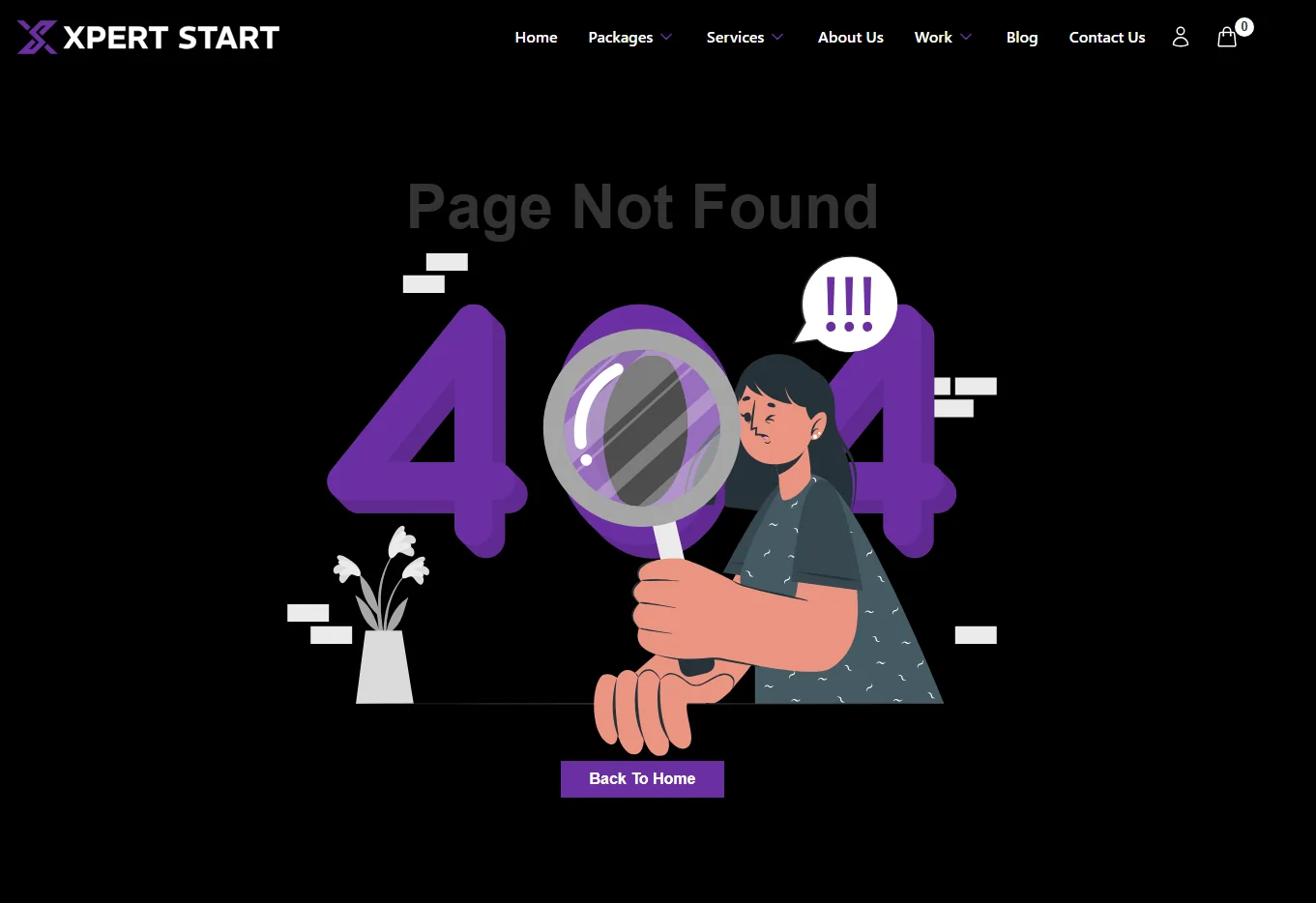
- Make sure your 404 page links back to your main pages.
Step 3: Test the mobile experience
Google uses the mobile version of your site for indexing, so the phone version is the one that counts.
Google retired its Mobile-Friendly Test and the Mobile Usability report in December 2023. Use these instead:
- Lighthouse, built into Chrome's developer tools, to check tap targets, text size, and layout.
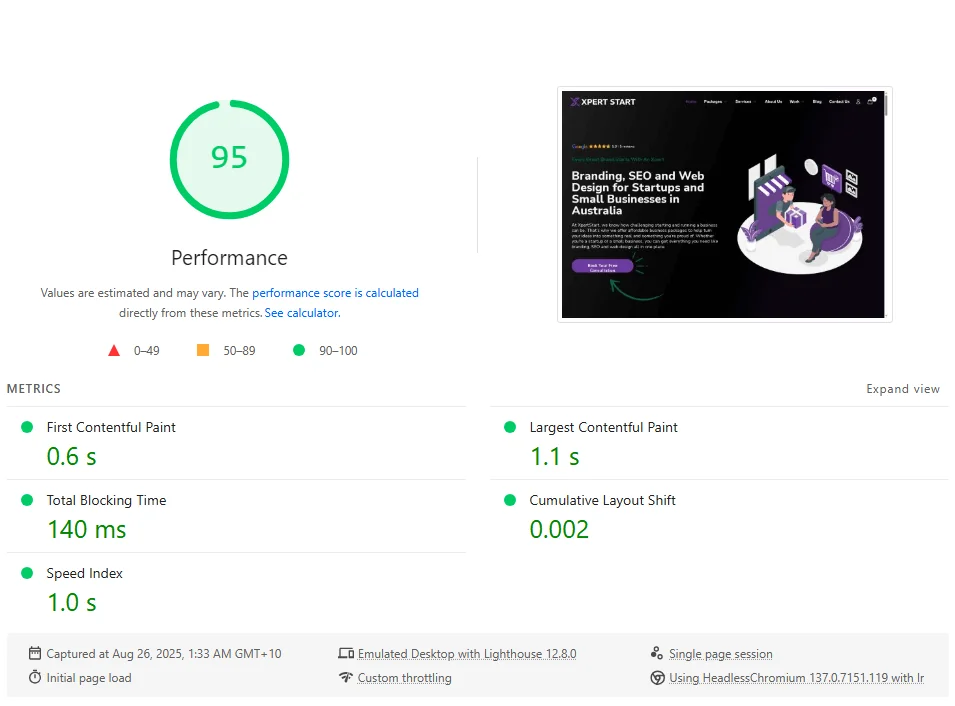
- PageSpeed Insights, which runs Lighthouse and shows real-world mobile data.
- Your own phone. Open your top five pages and try to call, book, or enquire.
Make sure your mobile and desktop versions show the same content and structured data.
Step 4: Improve speed and Core Web Vitals
Core Web Vitals are three measures Google uses to judge page experience:
- Largest Contentful Paint (LCP): how quickly the main content loads.
- Interaction to Next Paint (INP): how quickly the page responds when someone taps or clicks. It replaced First Input Delay in 2024.
- Cumulative Layout Shift (CLS): how much the layout jumps while loading.
How to improve them:
- Compress images and use modern formats like WebP.
- Remove unused code, scripts, and plugins.
- Use browser caching and a content delivery network.
- Check the Core Web Vitals report in Search Console every month.
Webflow sites have an advantage here: hosting, caching, and a content delivery network come built in, so there are fewer plugins to slow pages down.
Step 5: Secure your site with HTTPS
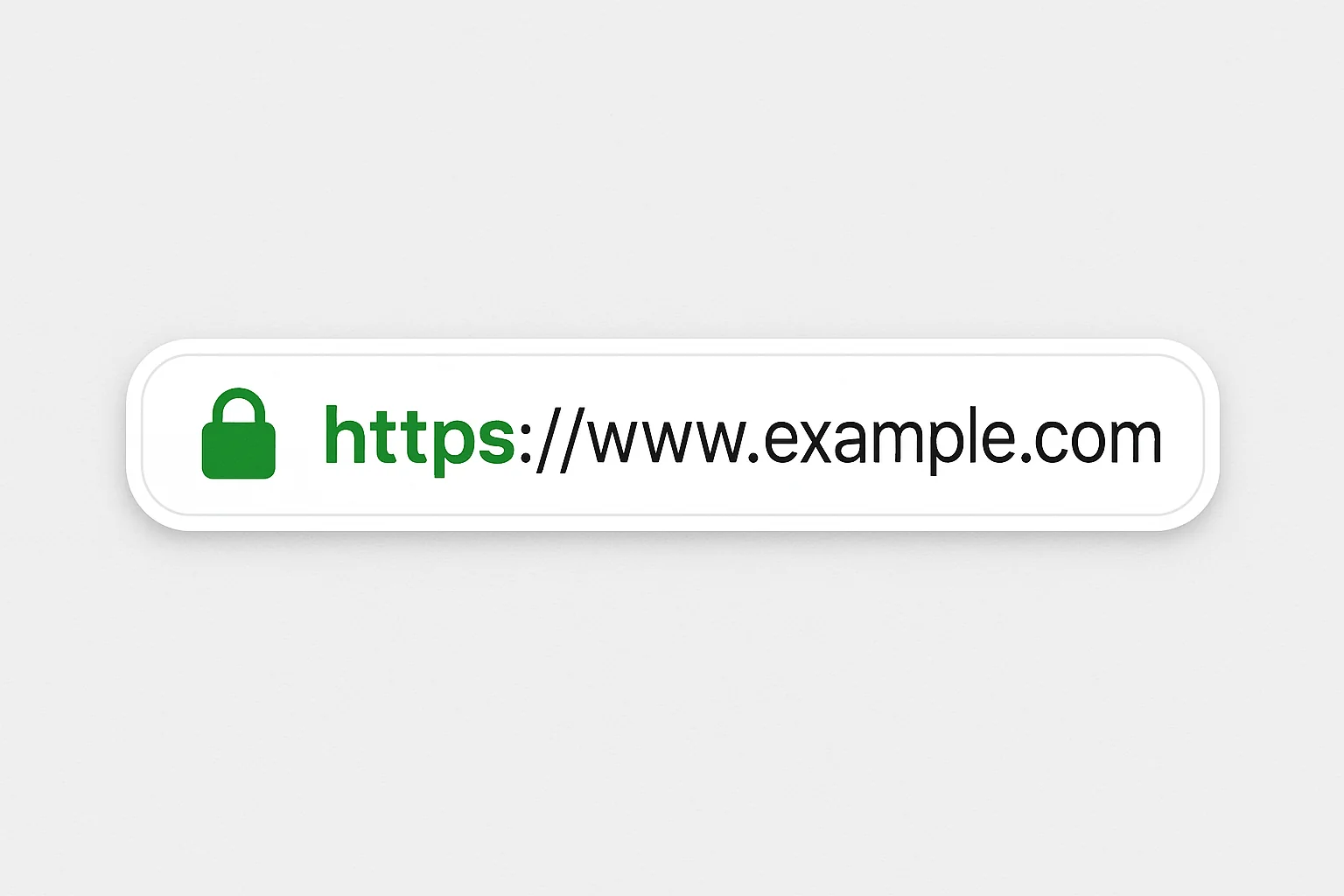
HTTPS is the secure version of a web address. It encrypts the connection between your site and your visitors. Google has used it as a ranking signal since 2014, and Chrome labels sites without it as "Not secure", which scares visitors away.
- Install an SSL certificate. Most modern hosts include one free.
- Redirect every HTTP address to HTTPS with 301 redirects.
- Fix "mixed content", where a secure page loads an insecure image or script.
Step 6: Keep checking
A technical SEO audit isn't a one-off job. After the fixes are in place:
- Check the Page indexing report in Search Console for new errors.
- Use the URL Inspection tool to request indexing for new or updated pages.
- Review the Core Web Vitals and HTTPS reports every quarter.
- Run a full audit every three to six months, and after any redesign or platform move.
If you're planning a redesign, read our guide to website redesign cost first. It covers how to protect your rankings during the move.
Tools for a technical SEO audit
These free or low-cost tools cover most of what an established business needs:
- Google Search Console: indexing, errors, Core Web Vitals, and search performance.
- Screaming Frog SEO Spider: broken links, redirects, and missing titles, free up to 500 URLs.
- PageSpeed Insights and Lighthouse: speed, Core Web Vitals, and mobile checks.
- Semrush Site Audit: a broader health check, with a limited free version.
For Google's own overview, read the SEO starter guide.
Keep learning
- SEO checklist for established businesses
- Keyword strategy for established businesses
- On-page SEO guide
- Local SEO guide
Your next steps
A technical SEO audit isn't a one-time job. Regularly checking crawling, fixing broken links, improving speed, keeping the site mobile friendly, and maintaining HTTPS keeps your site competitive.
These technical foundations make everything else work harder, from SEO services to Webflow web design.
To budget for that ongoing work, see what SEO costs in Australia for an established business.
Want to know what an audit would find on your site? Book your free digital audit and we'll show you what to fix first. You can also read about us and how we work.